 Ripeto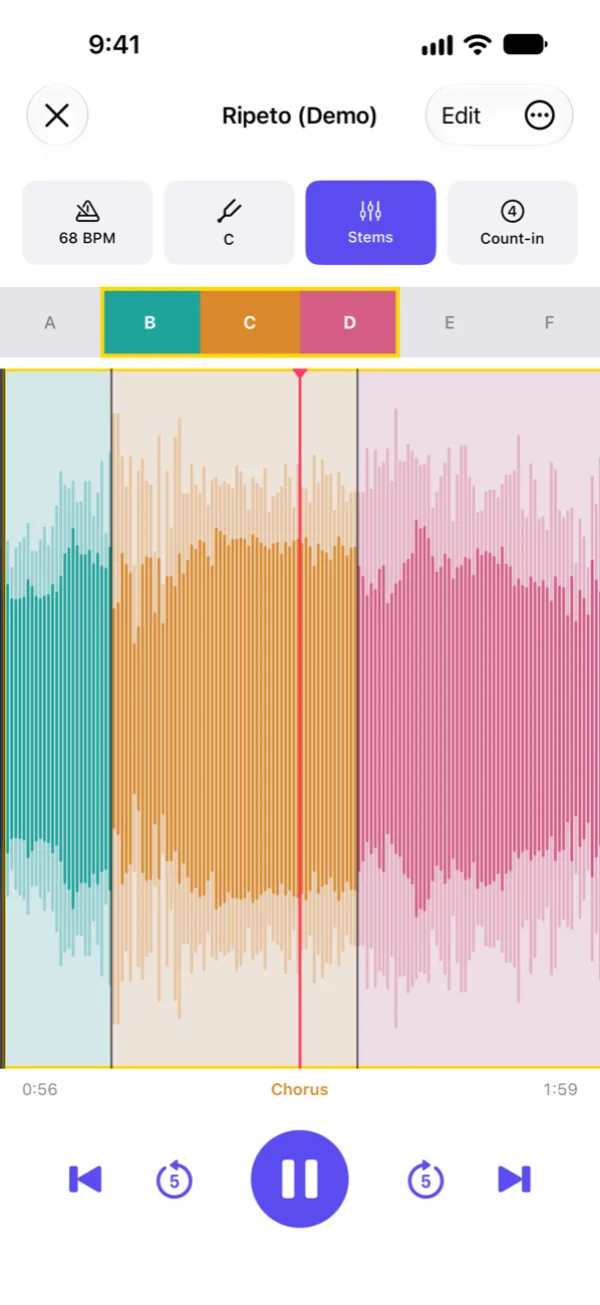
Loop
Loop the part you're learning
Ripeto splits a song into sections for you and gives each one its own color on the waveform. Tap a section to loop it, or drag across a few to loop them together.
Loop the part you're working on, slow it down and play along until you've got it.
Ripeto finds a song's sections, tempo and key for you. Loop a section, change the speed or the key, and mute the instrument you're playing yourself.
 Coming soon
For musicians learning, rehearsing or transcribing songs from a recording.
Loop
Ripeto splits a song into sections for you and gives each one its own color on the waveform. Tap a section to loop it, or drag across a few to loop them together.
Stems
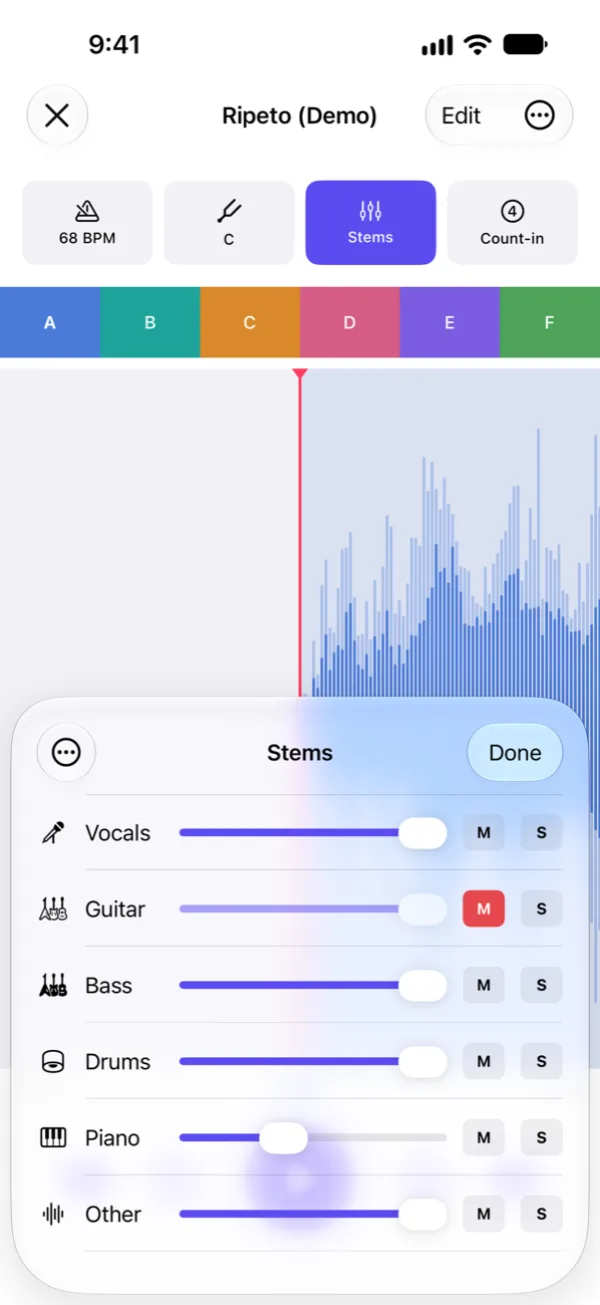
Split a song into vocals, guitar, bass, drums, piano and the rest, then turn each part up, down or off. Mute the guitar and play it yourself, or solo the bass to hear every note.
Separation runs on your iPhone or iPad. Your music never leaves the device.
Tempo
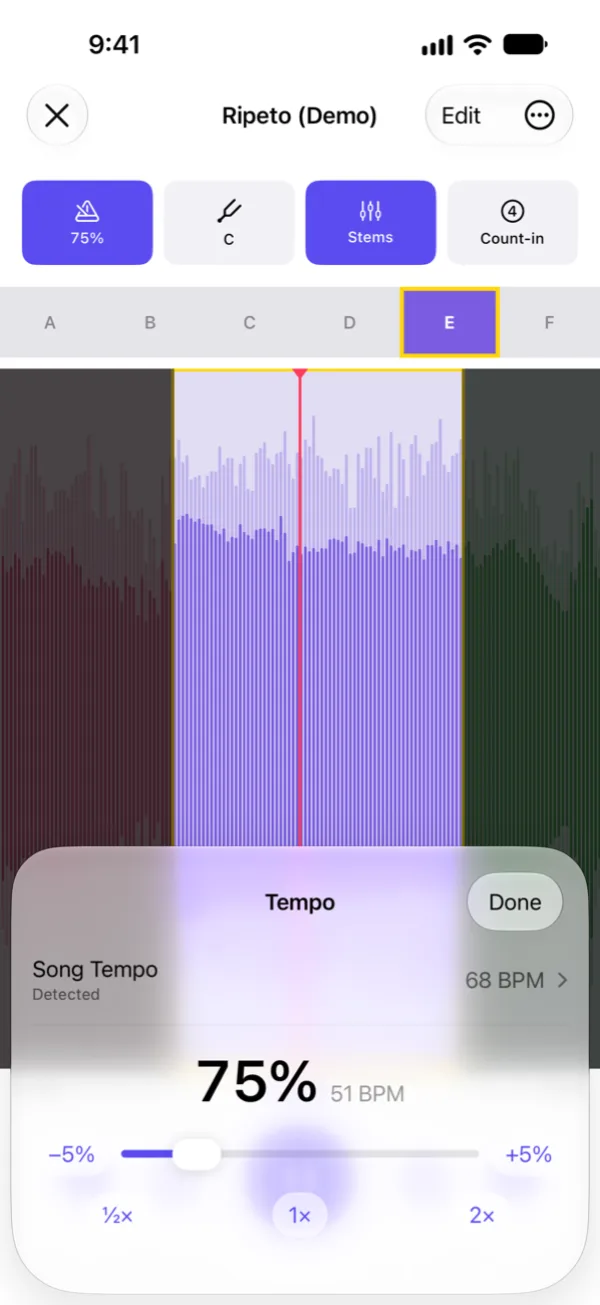
Play anywhere from half speed to double speed without changing the pitch. Ripeto detects the song's tempo, and you can correct it by typing it or tapping along.
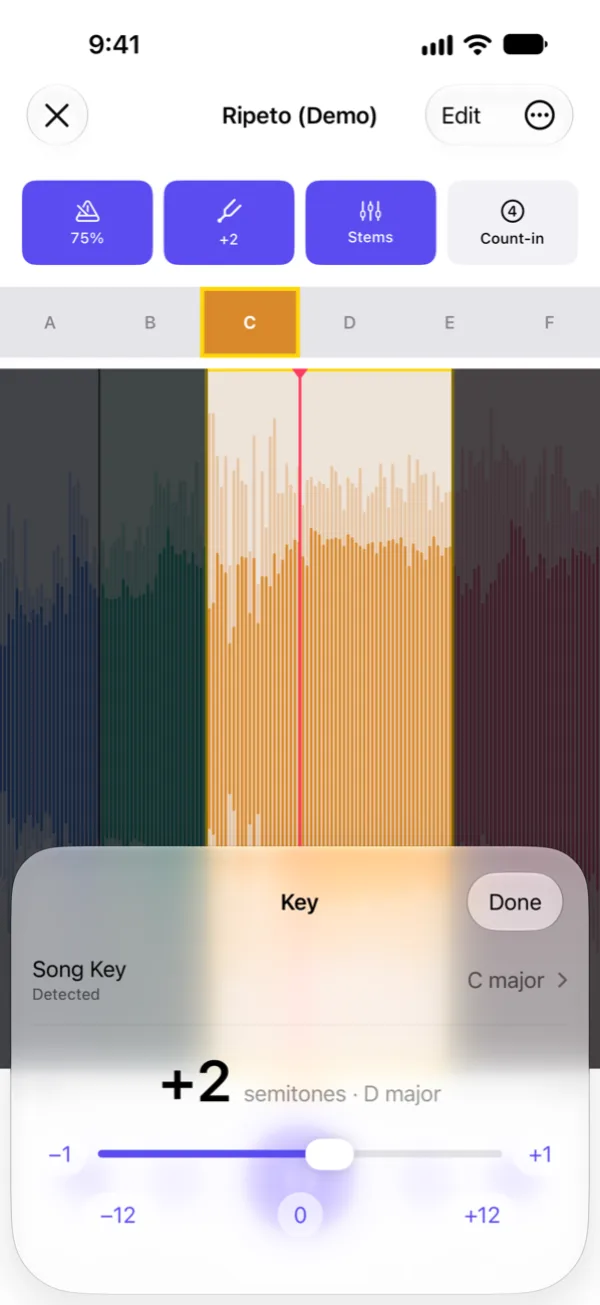
Key
Transpose up or down by as much as an octave without changing the tempo. Ripeto detects the key too, so you know what you're playing in.
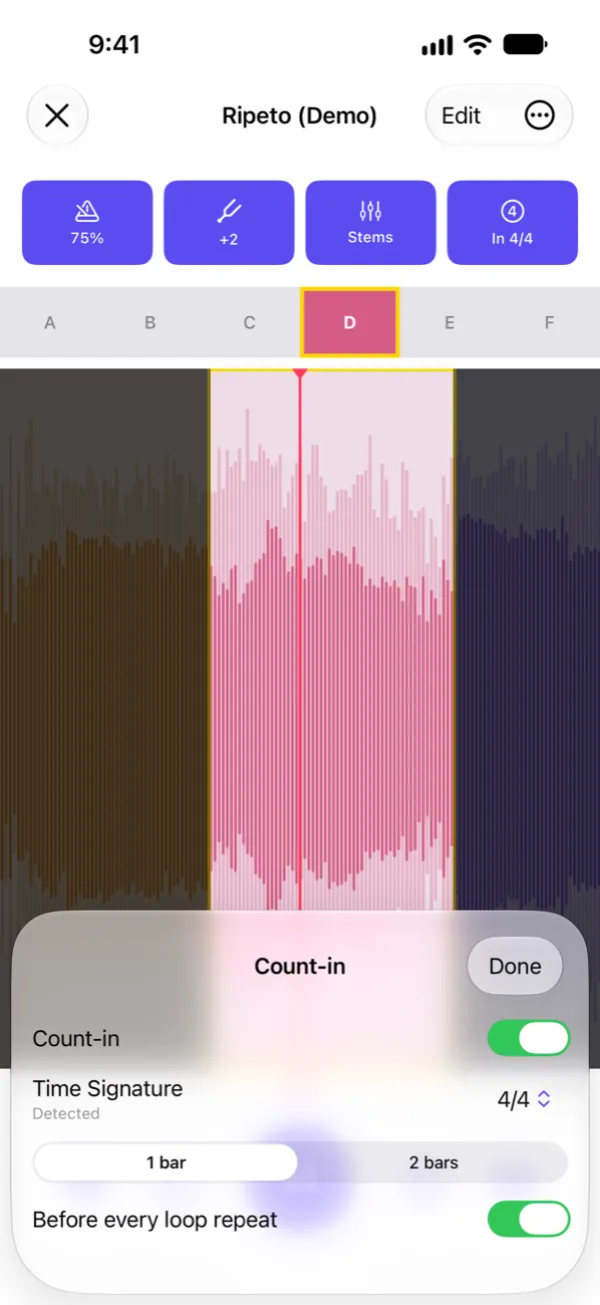
Count-in
Hear one or two bars of clicks on the song's own beat before you start, and before every repeat of the loop if you like. The clicks follow the speed you're playing at.
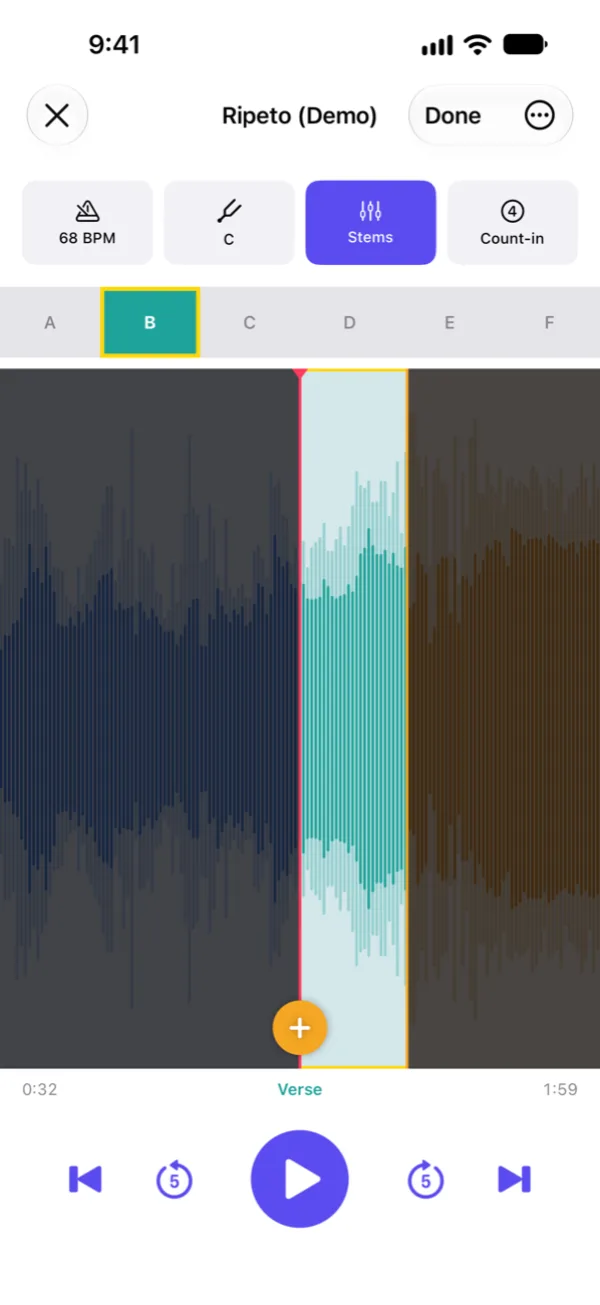
Sections
Move the markers, add your own and give each part a name, like Verse or Chorus. Zoom into the waveform to place a marker exactly where the phrase starts.
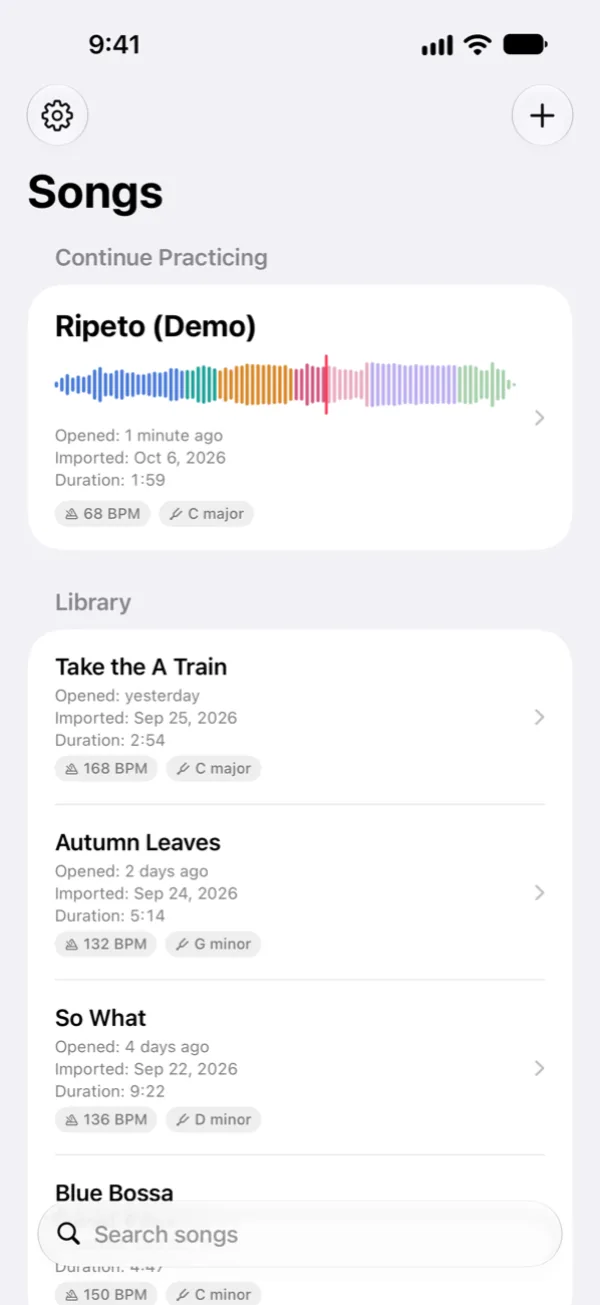
Library
Every song remembers its place, sections, speed, key and mix. The song you practiced last waits at the top of your library.
Loop a short passage and slow it down to work out the notes, chords and rhythms by ear.
Send a song with its sections, tempo, key and mix through AirDrop, Messages or Mail. It opens in Ripeto ready to play.
Sections, tempo, key and stems are all worked out on your iPhone or iPad. No account, and your songs never leave the device.
Playback carries on in the background with lock screen controls, and the screen stays on while you practice.
Import mp3, wav, m4a and aiff files from the Files app.
Jump between sections, skip back 5 seconds, or hold to rewind. Practice mode keeps the markers safe from stray taps.
Coming soon to the App Store.